Wireless Support
- Holiday Bundle
How to add more data - Data Pass, Speed Pass or Top Up Pass
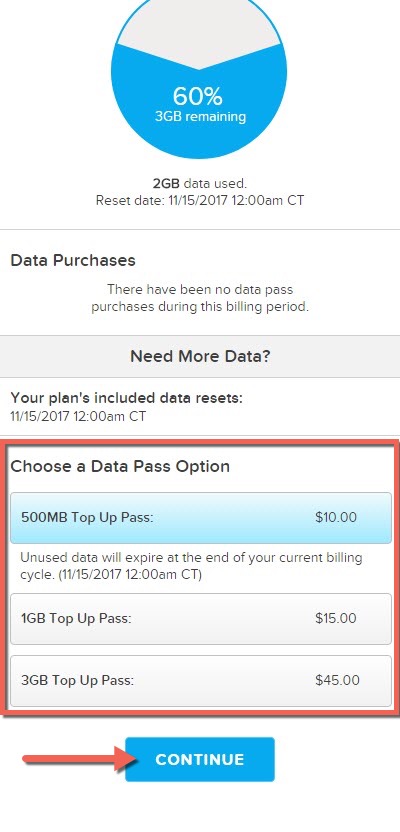
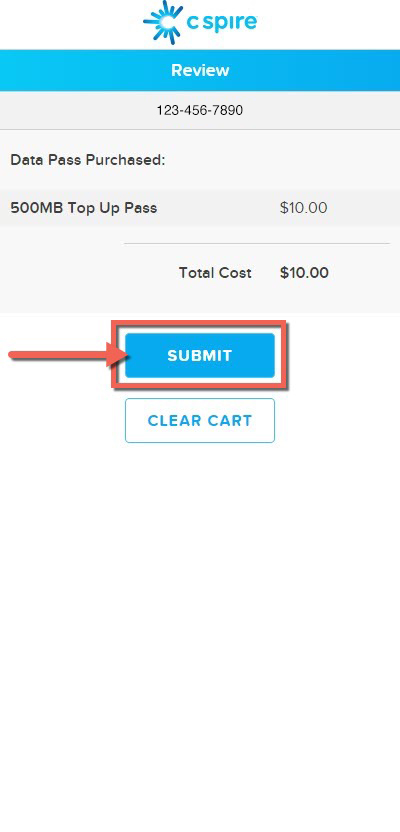
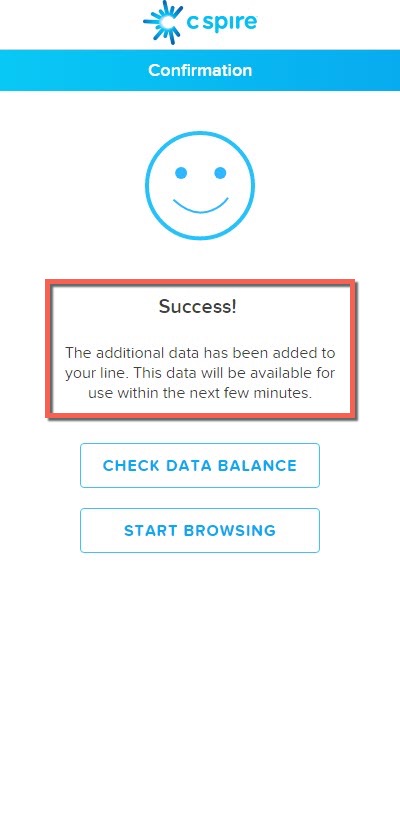
If you run out of data during the month, you can add more with a Data Pass, Speed Pass or Top Up Pass. These passes provide additional data when you need it, and you can purchase a Pass directly from your device.
Note: To help you manage your data, you'll receive a text when you've used all of your monthly included data.
Remember, you can always use Wi-Fi for data access until your included data resets. But if you need to buy a Pass, follow the steps below:
1
If you're currently using Wi-Fi, turn it off to access the C Spire network.
2
Open a browser on your device, and then navigate to datapass.cspire.com.
If you experience issues with your Data Pass, Speed Pass or Top Up Pass, see How to troubleshoot when you can't buy or use your Data Pass.
