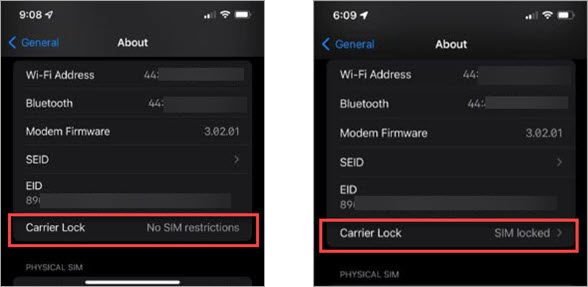
Request to unlock your device
Non-C Spire Devices:
Contact your current carrier if you are unable to determine lock status from the device itself.
C Spire Devices:
To unlock a phone from the C Spire Network, certain criteria must be met. Please read our Device Locking Policy.
To submit your unlock request online, you'll need your phone's 15-digit IMEI number. Find it by dialing *#06# (star, pound, 0, 6, pound) on your phone's keypad.
Please note that an unlocked device may not immediately work on another carrier's network. Functionality depends on the receiving carrier's network, its policies and device management capabilities.
Please note that an unlocked device may not immediately work on another carrier's network. Functionality depends on the receiving carrier's network, its policies and device management capabilities.
