Wireless Support
- Holiday Bundle
How to register to manage your account online
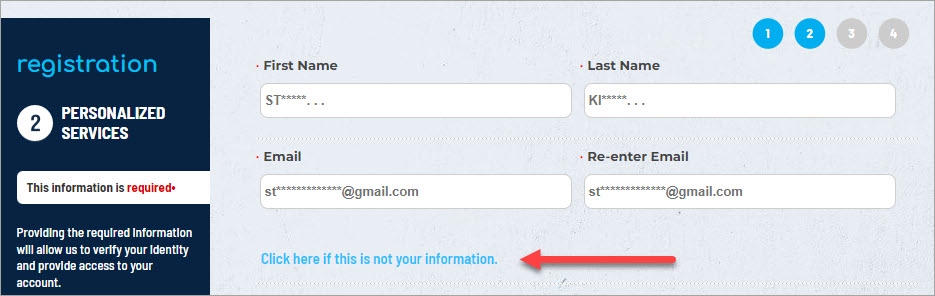
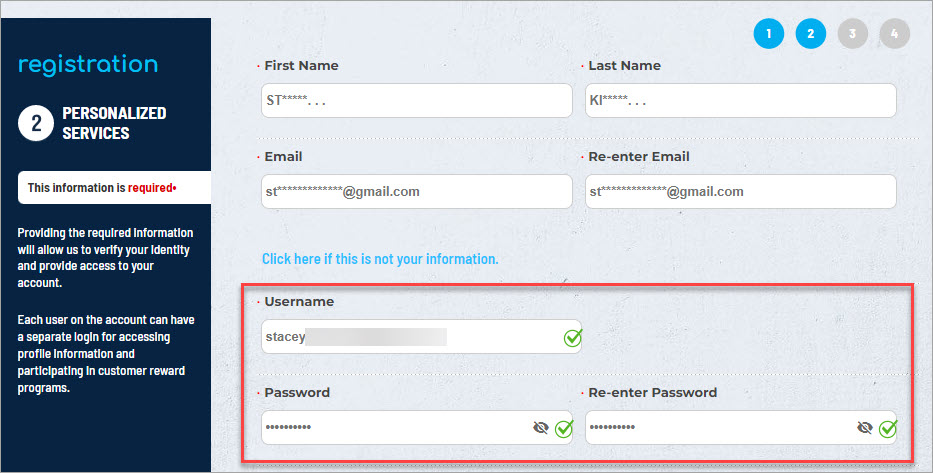
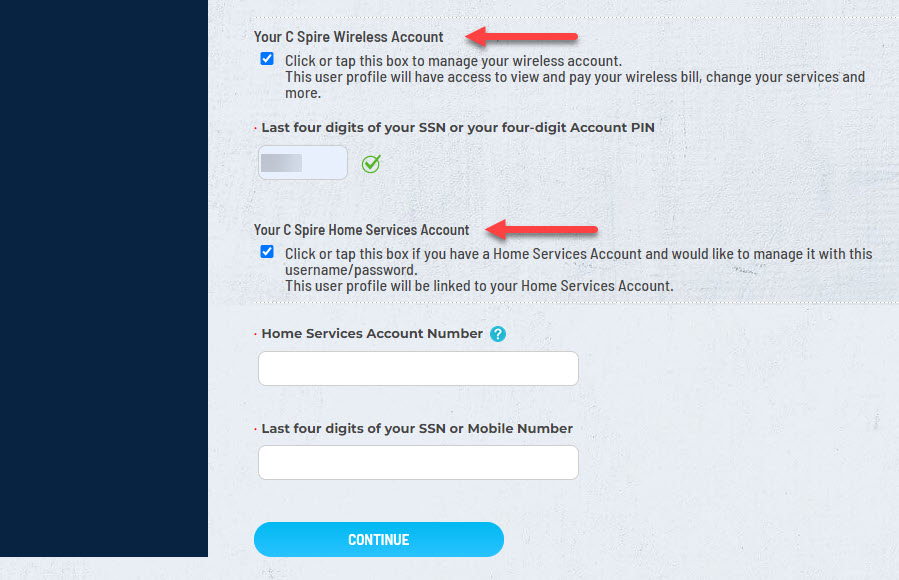
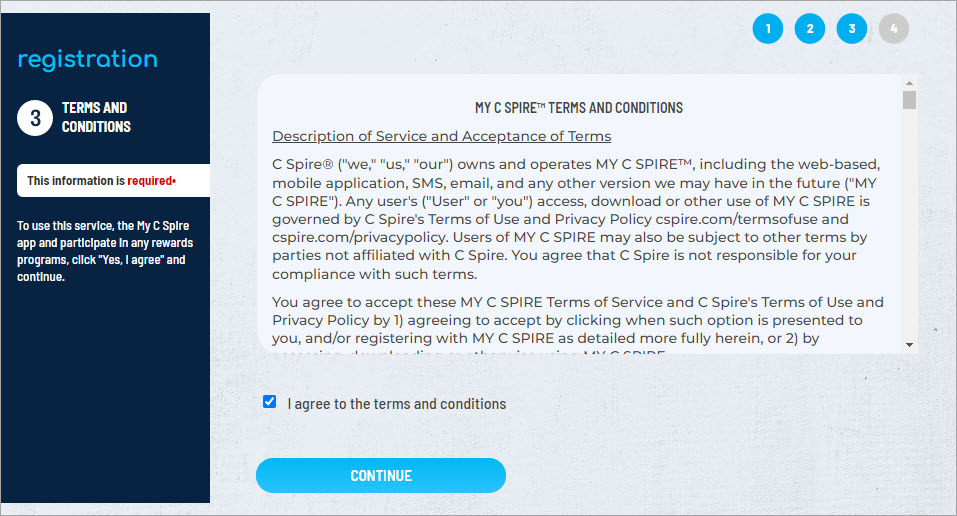
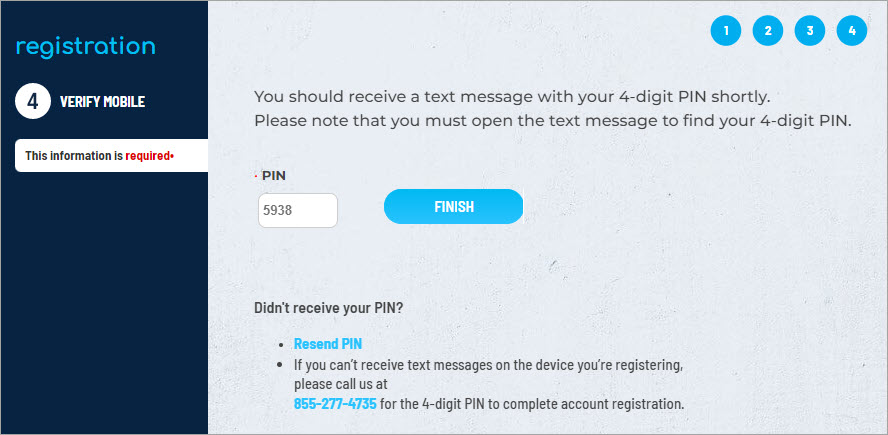
By registering for an account, you can easily manage your C Spire service online and on the My C Spire app. You'll be able to pay your bill, view usage, manage your devices and plans, and more. To set up your account, follow the steps below.
1
Click here to register for an online profile for your Wireless or Home account.

Now, you can manage your C Spire Wireless and Home accounts at cspire.com or on our app. Download the free My C Spire app now.
