Wireless Support
How to pay your bill online using Express Pay
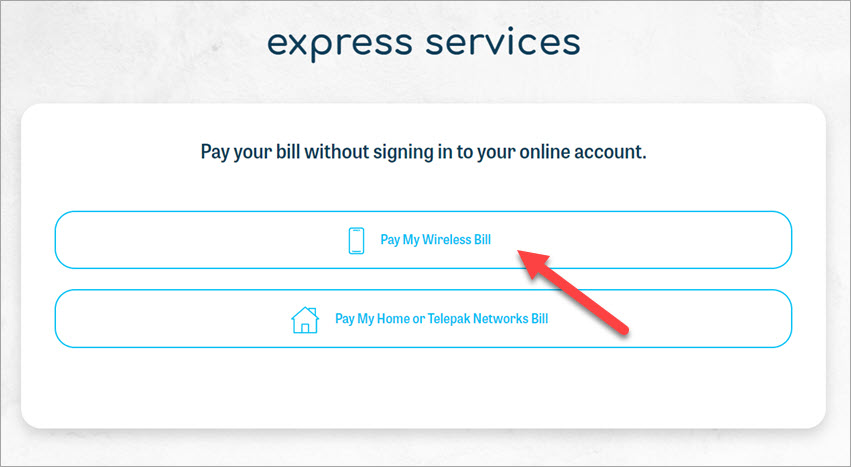
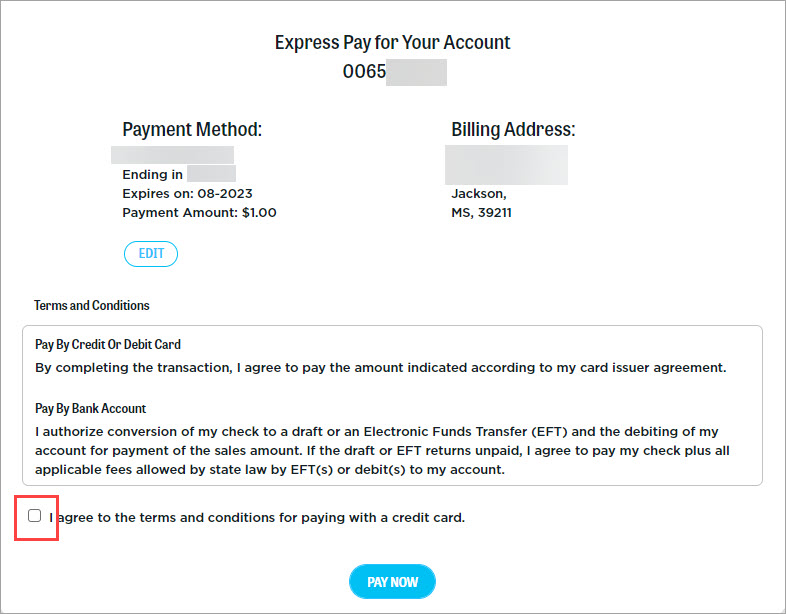
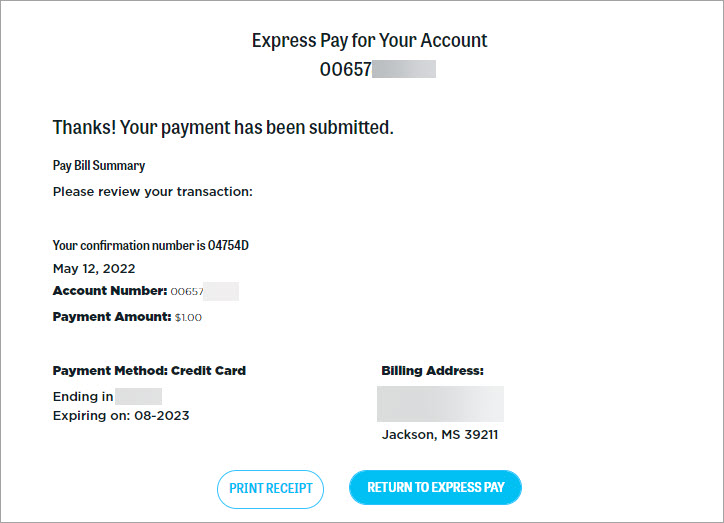
The fastest way to pay your Wireless, Home or Telepak Networks bill online is by using our Express Pay service. With Express Pay, you can pay your bill without having to sign in to your online account.
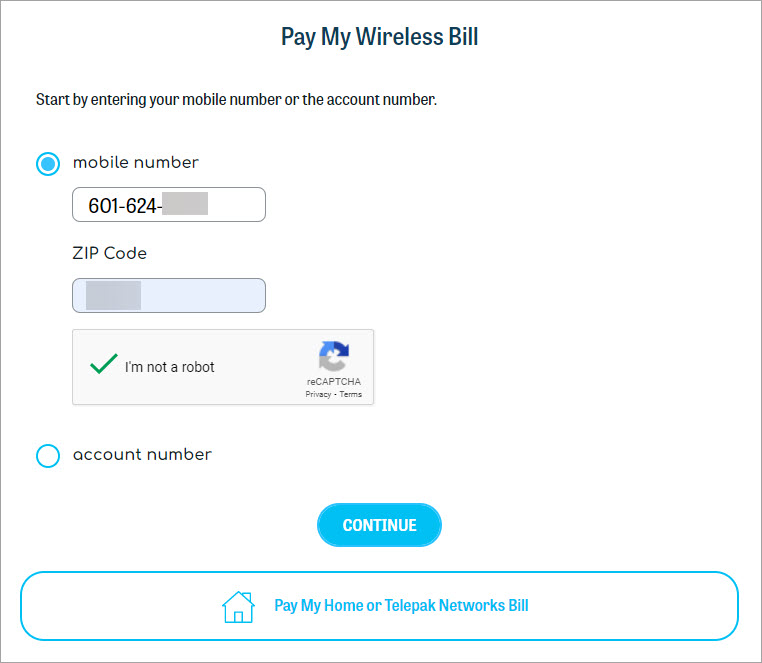
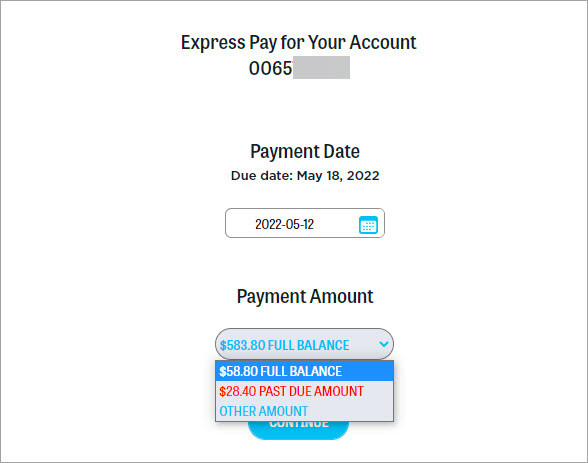
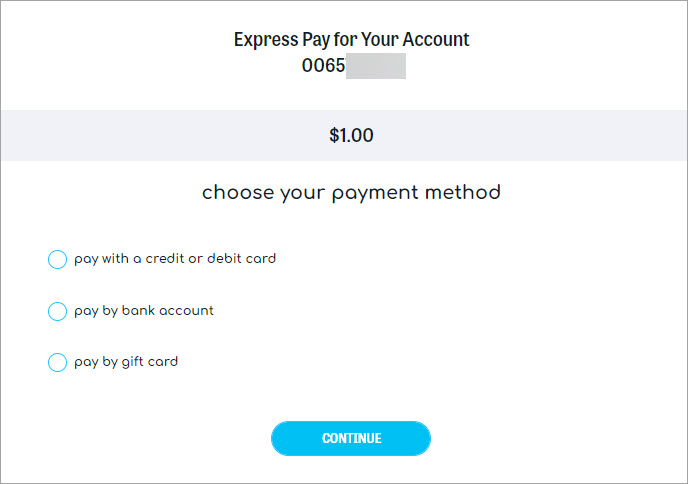
In order to use Express Pay, you'll need your phone number or account number, plus your ZIP code. Please note that Home and Telepak Networks require both your phone number and account number to make a payment. The steps below illustrate making a Wireless payment through Express Pay using a mobile number.
1
Go to the Express Services page.