Wireless Support
How to make extra payments on your device
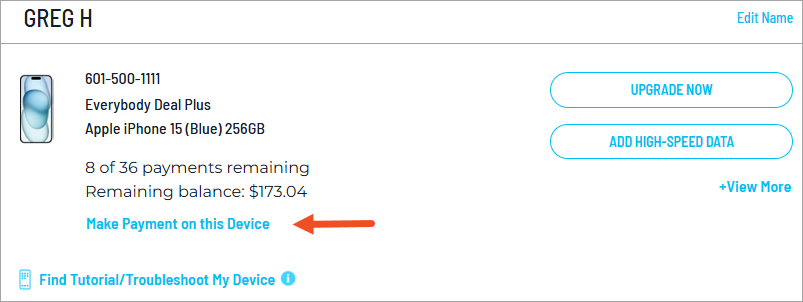
Even if you’re paying for your device monthly, you can still make extra payments through your online account whenever you want. Remember, when you’ve paid the equivalent of 18 monthly payments on your current device, you don’t have to make any more payments on it if you want to upgrade to a new one.*
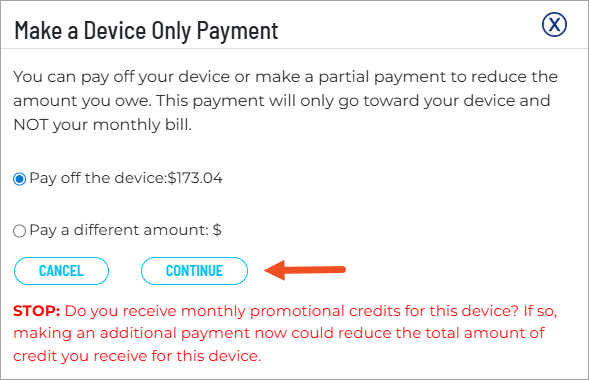
Making extra payments on your device won't change how much you're billed monthly, but extra payments will reduce the balance owed on your device and could reduce the number of installment payments.
1
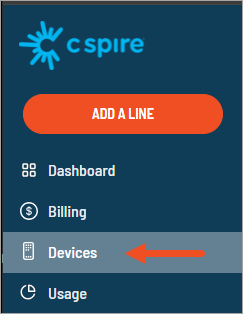
Sign in to your online account. If you haven't created an online account, you can do so using the sign-in link.
*If you want to upgrade your current device after paying the equivalent of 18 monthly payments, you will need to trade it in at the time you upgrade.
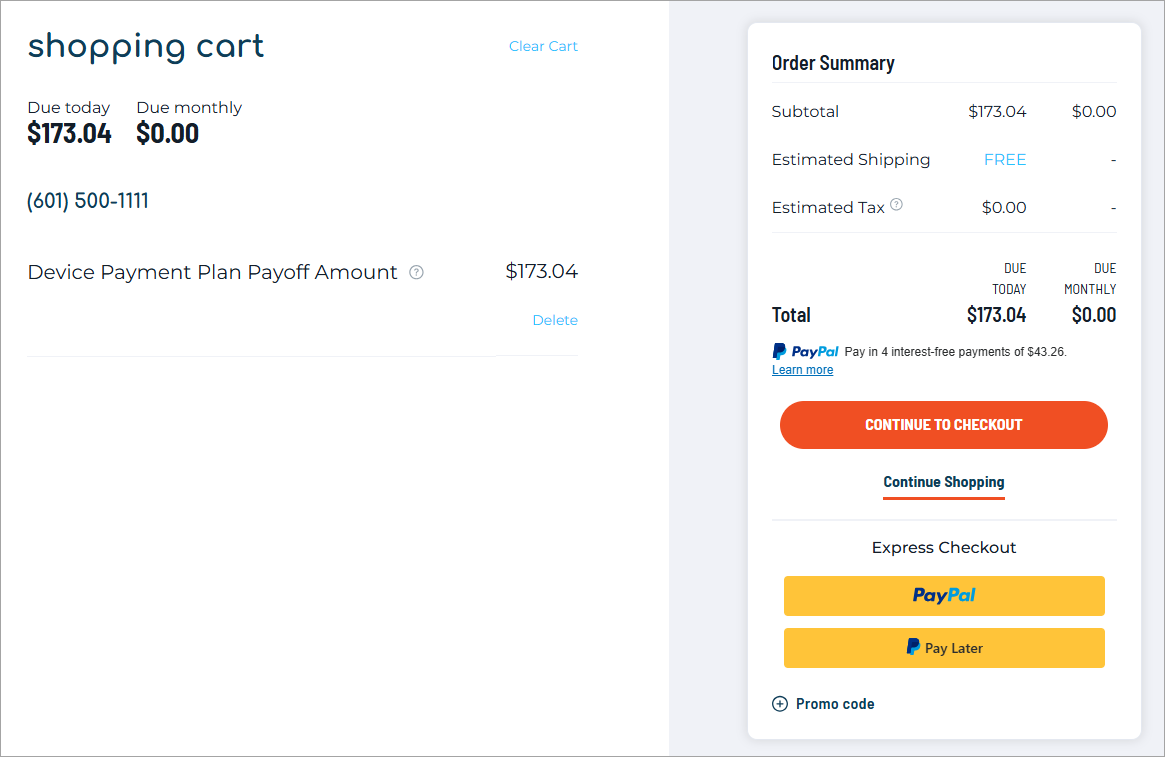
The payoff amount does not include your final device installment payment, which will be applied to your next bill.
