Wireless Support
How to check your Device Payment Plan balance online
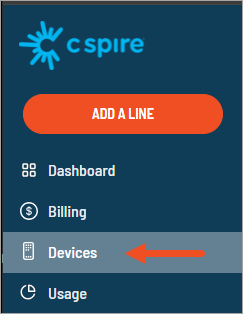
If you're enrolled in the Device Payment Plan, you can easily see how much you owe on your devices and how many payments remain by following the steps below.
1
Sign in to your online account. If you haven't created an online account, you can do so using the sign-in link.
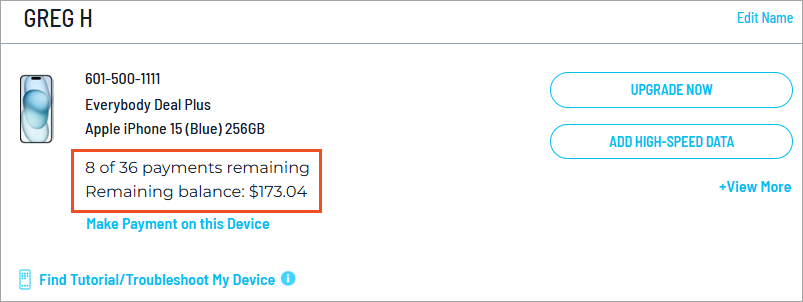
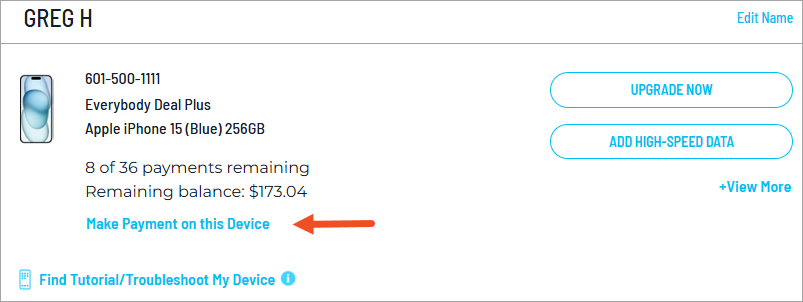
Note: If you purchased your device on the Device Payment Plan and do not see this information in your line details, it means that your purchase was part of a promotional offer.
