Wireless Support
- Holiday Bundle
How to suspend your wireless service online if your phone is lost or stolen
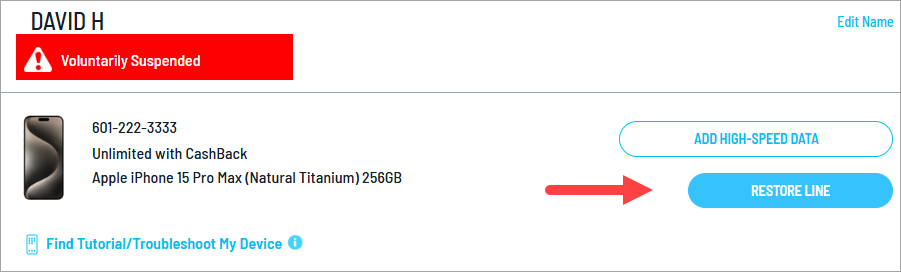
First, try to locate your device using the services available for your operating system like Find My for iOS devices and Google Play Protect for Android devices. If you don't find it right away, you can temporarily suspend the C Spire service on your device to prevent unauthorized charges or misuse. We'll show you how to suspend and then restore your service below.
Note: Suspending a line will only stop the service, not the billing. To stop billing, you must disconnect the line.
1
To start, sign in to your online account. If you haven't registered for your online account, you can do so using the sign-in link.
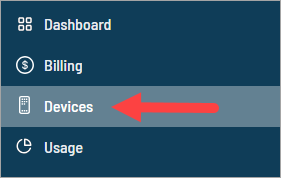
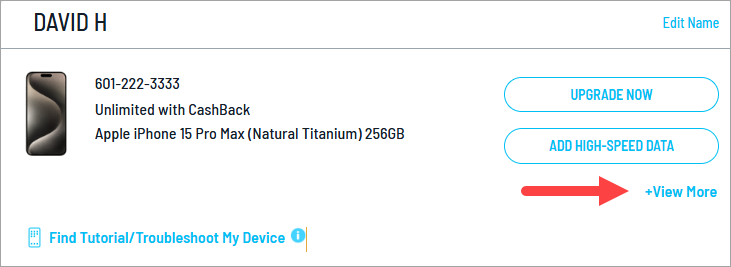
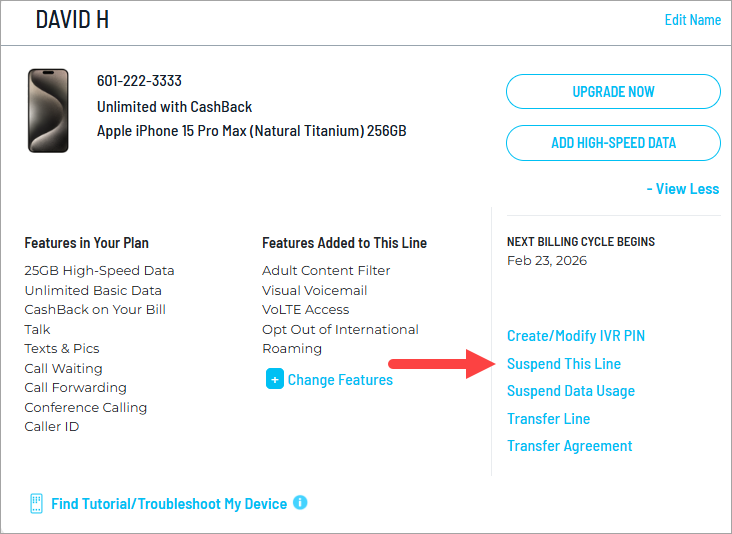
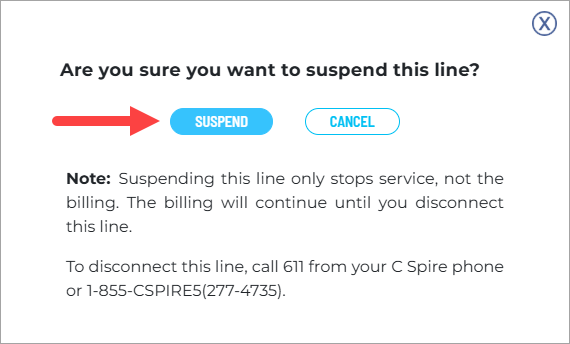
Note: Suspending a line will only stop the service, not the billing. To stop billing, you must disconnect the line. If you don't think you'll be able to recover the device, chat with a representative or call us at 855-277-4735 to discuss your options.
