Wireless Support
How to find the dates of your billing cycle and when your monthly data resets
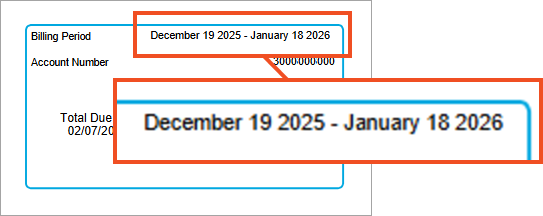
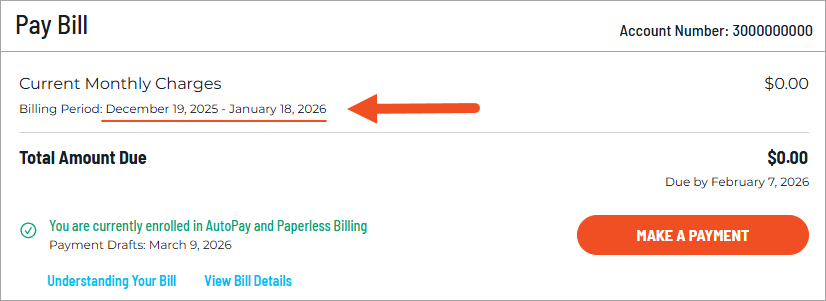
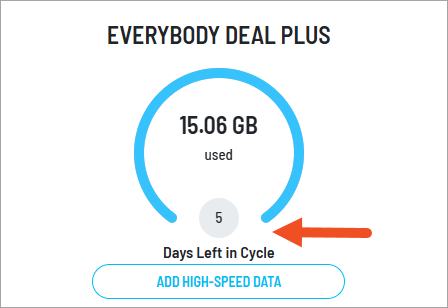
The start date of your billing cycle is also when your monthly data reset occurs, and it will remain the same each month. You can find this date on your paper bill, on your bill PDF, and in your online account.
In the example below, the billing cycle began on December 19, which means that the billing cycle for this account begins on the 19th of each month. The data included in this customer's plan will be reset on the 19th of each month too. Refer to your own account information for your billing cycle dates.
You can find this date on your paper bill, bill PDF, and in your online account.