Wireless Support
Control Data Pass purchases on your account
The primary account holder (usually the person who pays the bill) controls who on the account can purchase data passes.
Each time a user on an account purchases a data pass, the account holder will receive a text message with the mobile number of the user who purchased the pass along with a link to this article detailing how to modify purchasing permissions.
Follow the steps below to modify who can purchase data passes on your account.
1
Sign in to your online account.
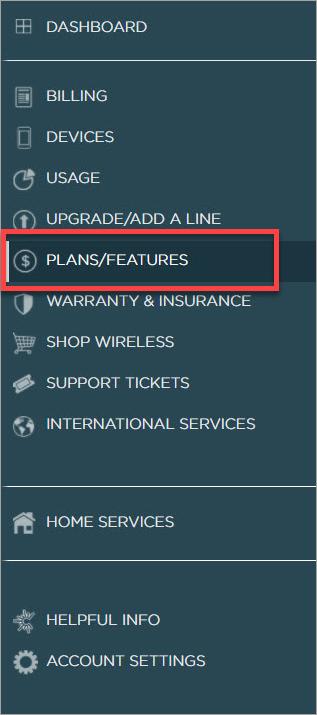
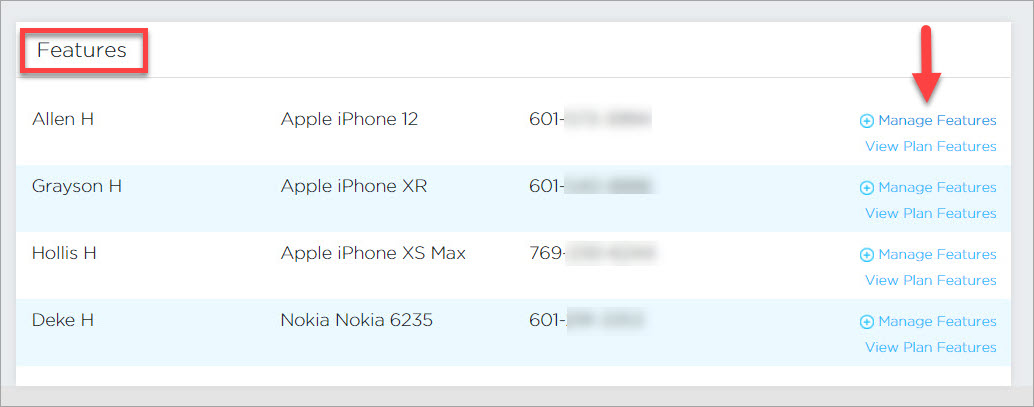
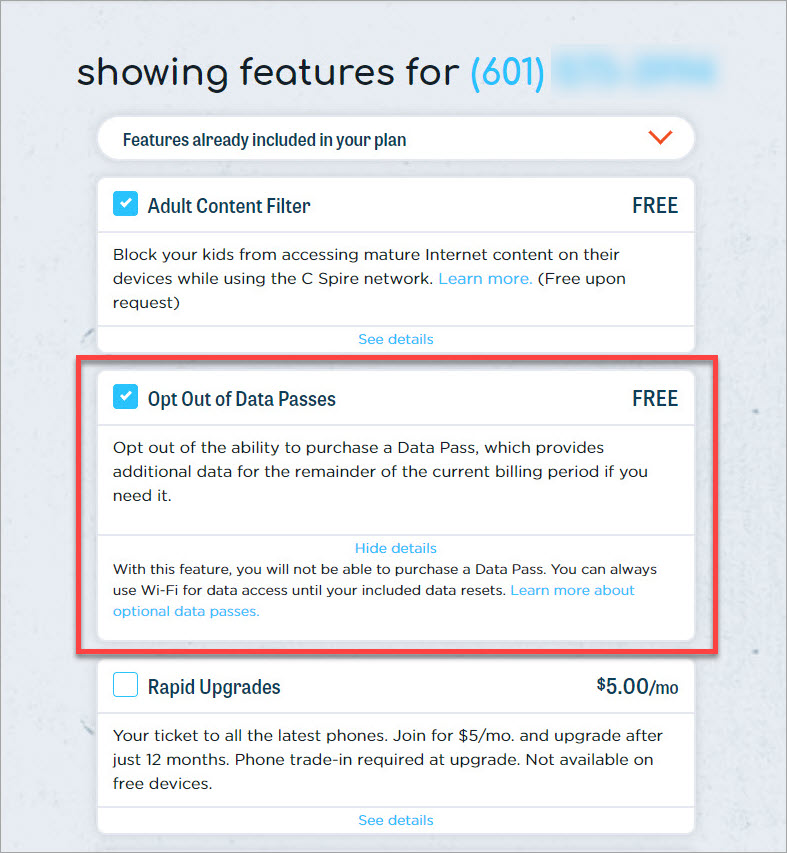
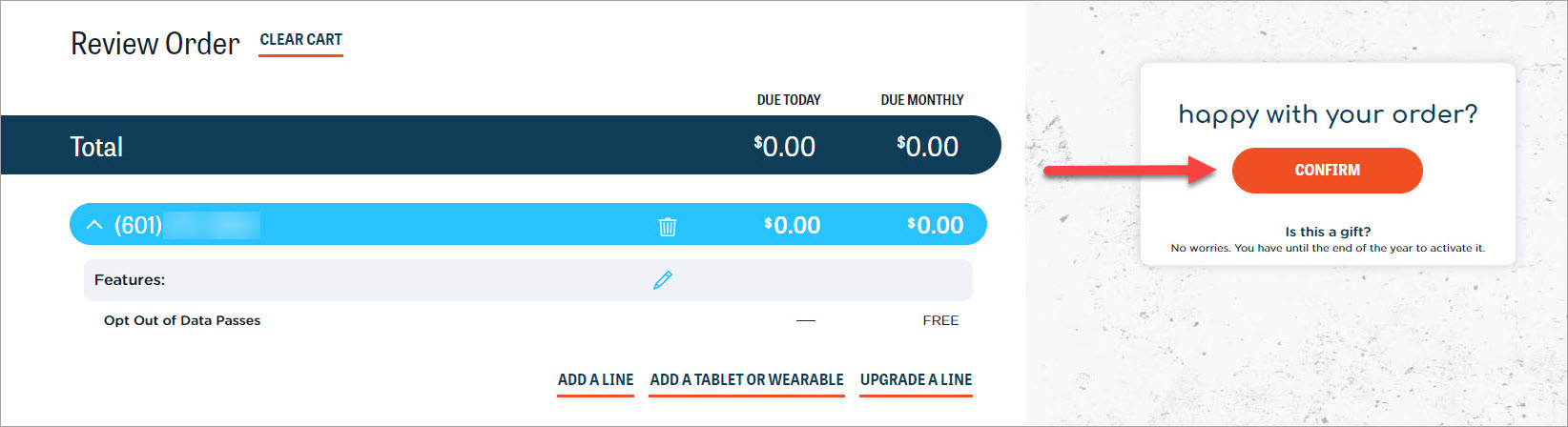
To view this information on the My C Spire app, access your wireless account, scroll to the bottom of the screen, and then tap View account settings. This will take you to the website where you can follow the steps above.
