Note: If you don't have your C Spire account number, please contact us by calling 1-855-277-4732 to request it.
Enter your mobile number and click REGISTER to begin the registration process.
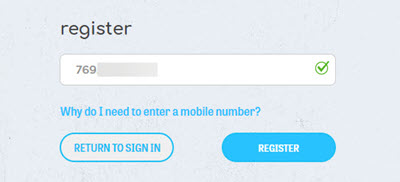 We use your mobile number to verify your identity. After you set up your online account, we'll send a text message containing a four-digit Personal Identification Number (PIN) to this mobile number. You'll need to enter the PIN in order to complete the registration process.
If you entered a C Spire mobile number, we may already know who you are. If so, you'll see a truncated version of your name on the first line. (If the information displayed isn't yours, please select the link "click here if this is not your information.")
If these fields are blank, enter your name and email address.
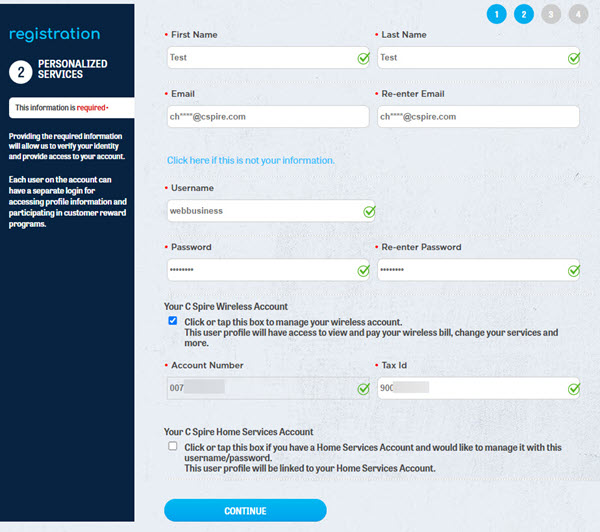 Select a username and password. Passwords must be between six and 20 characters and can only include letters and numbers. Your username and password are case-sensitive. When you sign in to manage your account, you'll need to enter your username and password exactly as you did during this registration.
Enter your C Spire account number and your organization's Tax ID number.
Select a username and password. Passwords must be between six and 20 characters and can only include letters and numbers. Your username and password are case-sensitive. When you sign in to manage your account, you'll need to enter your username and password exactly as you did during this registration.
Enter your C Spire account number and your organization's Tax ID number.
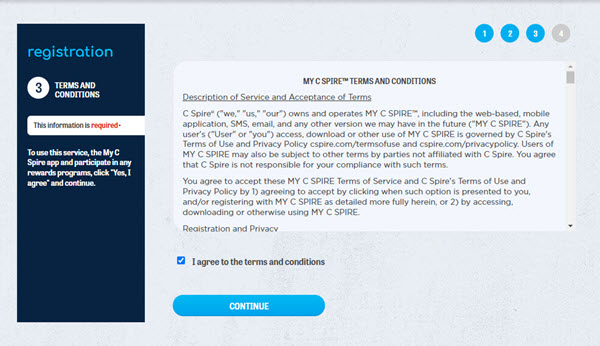
Accept the terms and conditions for managing your account online.
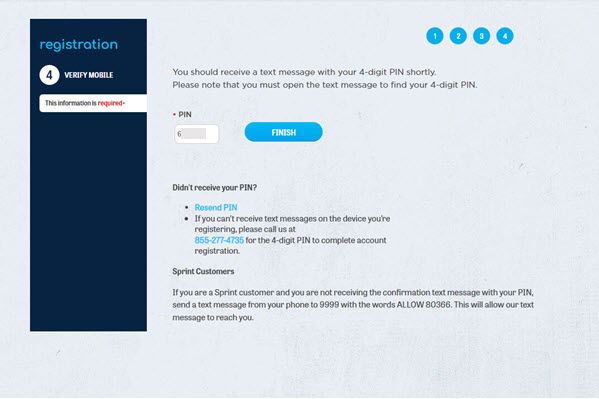
At this point, a text message with a four-digit PIN is being sent to the mobile number you used when you began registration. Once you receive the text message, enter the PIN and click Finish.
 You're done!
